
Introduction
The UIDAI Aadhaar Card 2026 has become the most important identity document for Indian citizens. Issued by the Unique Identification Authority of India (UIDAI), Aadhaar serves as proof of identity and address across India. From banking and government schemes to mobile SIM verification and education services, Aadhaar plays a vital role in daily life.
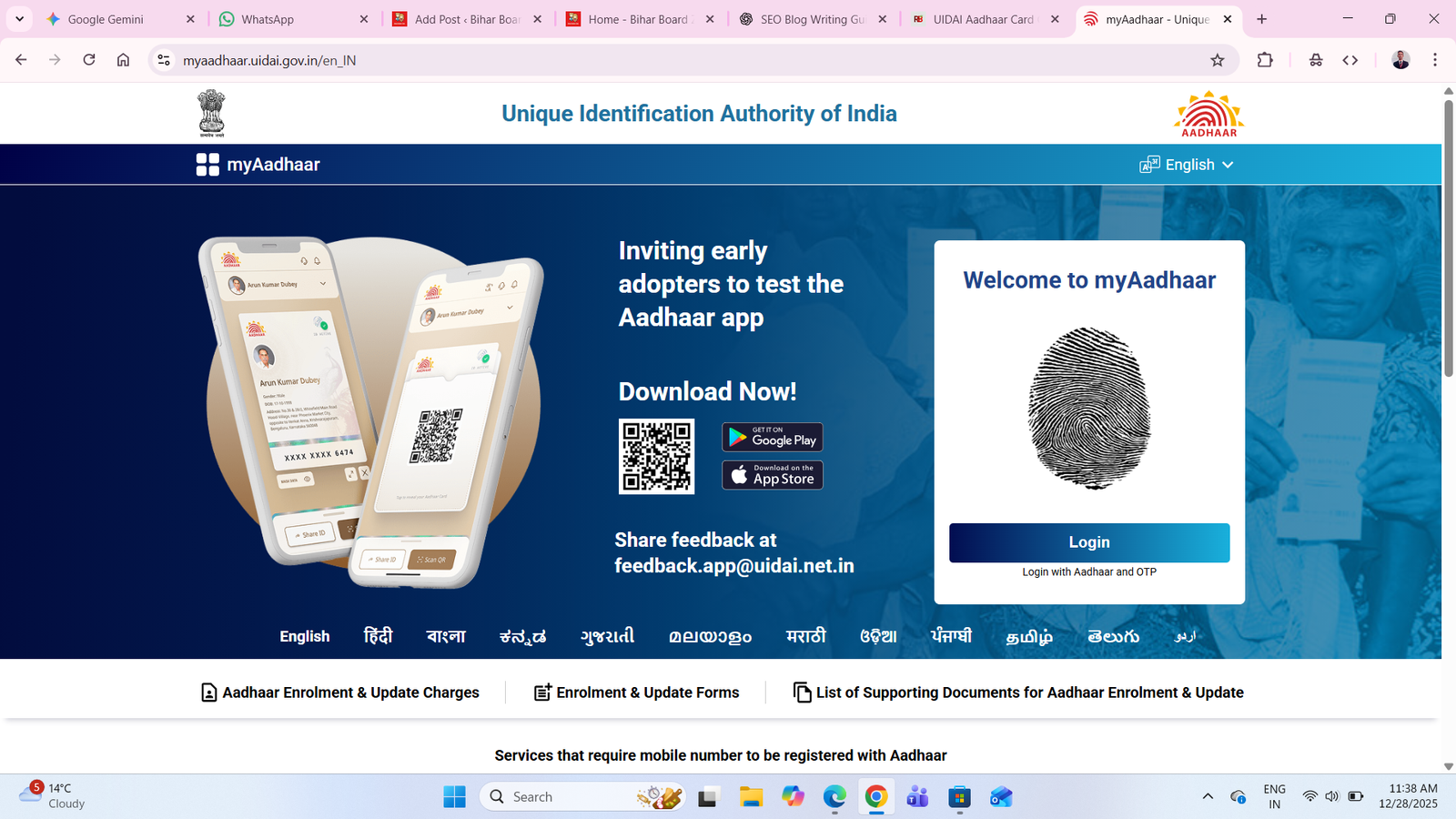
In 2026, UIDAI has further strengthened Aadhaar services by improving online facilities, enhancing data security, and making the Aadhaar update and download process simpler and faster. Whether you want to check UIDAI Aadhaar Card status, download e-Aadhaar, update details, or correct errors, all services are now available online.
What is UIDAI Aadhaar Card?
Aadhaar is a 12-digit unique identification number issued to Indian residents after collecting biometric data (fingerprints, iris scan) and demographic details (name, date of birth, address, gender).
Key Features of UIDAI Aadhaar Card
- Unique 12-digit number
- Issued to Indian residents
- Based on biometric & demographic data
- Accepted as valid identity proof
- Can be used online & offline
- Lifetime validity
Benefits of Aadhaar Card in 2026
Aadhaar is required for multiple services in India:
- Opening bank accounts
- PAN–Aadhaar linking
- LPG subsidy
- Government schemes (PMAY, PM-KISAN, etc.)
- Mobile SIM verification
- e-KYC for banking & finance
- Education admissions & exams
- Digital identity verification
Aadhaar Card Services Available in 2026
UIDAI provides the following Aadhaar services online and offline:
List of Aadhaar Services
- Aadhaar Enrollment
- Aadhaar Status Check
- Aadhaar Download (e-Aadhaar)
- Aadhaar Update
- Aadhaar Correction
- Aadhaar Linking
- Aadhaar Authentication
- Aadhaar e-KYC
- Virtual ID (VID)
- Lock/Unlock Aadhaar
- Lock/Unlock Biometrics
How to Check Aadhaar Card Status Online (2026)
If you have applied for Aadhaar or updated details, you can check your Aadhaar status online.
Steps to Check Aadhaar Status
- Visit the official UIDAI website
- Click on Check Aadhaar Status
- Enter Enrollment ID (EID) or SRN
- Enter captcha code
- Click Submit
- Aadhaar status will appear on the screen
How to Download Aadhaar Card Online (e-Aadhaar)
You can download Aadhaar anytime in PDF format.
Steps to Download Aadhaar Card
- Go to UIDAI website
- Click on Download Aadhaar
- Enter Aadhaar Number / VID / EID
- Enter captcha
- Click Send OTP
- Enter OTP received on registered mobile
- Download e-Aadhaar PDF
🔒 Password for PDF:
First 4 letters of your NAME (CAPS) + Year of Birth
Example:
Name: RAHUL
DOB: 1999
Password: RAHU1999
How to Update Aadhaar Card Online (2026)
UIDAI allows users to update certain details online.
Aadhaar Details That Can Be Updated Online
- Address (Full update)
- Proof of Address upload
Steps to Update Aadhaar Address Online
- Visit UIDAI portal
- Click on Update Aadhaar
- Login using Aadhaar number & OTP
- Select Address Update
- Upload valid address proof
- Submit request
- Save Update Request Number (URN)
⏱ Update time: 5–10 working days
Aadhaar Correction: Online & Offline Process
If there is any mistake in your Aadhaar details, correction is possible.
Aadhaar Details That Can Be Corrected
- Name
- Date of Birth
- Gender
- Address
- Mobile Number (offline)
- Biometrics (offline)
Online Correction
- Address only
Offline Correction
- Visit nearest Aadhaar Enrollment/Update Center
- Carry valid documents
- Provide biometrics if required
How to Enroll for New Aadhaar Card
If you don’t have Aadhaar, you can apply for a new one.
Steps for New Aadhaar Enrollment
- Find nearest Aadhaar Enrollment Center
- Book appointment (optional)
- Submit documents
- Provide biometric details
- Receive acknowledgment slip
- Aadhaar generated within few days
Important Aadhaar Documents Required
Proof of Identity (POI)
- PAN Card
- Passport
- Voter ID
- Driving License
Proof of Address (POA)
- Ration Card
- Electricity Bill
- Bank Passbook
- Passport
Proof of Date of Birth (DOB)
- Birth Certificate
- 10th Marksheet
- Passport
Aadhaar Important Links
| Aadhaar Service | Link |
|---|---|
| Check Aadhaar Status | Click Here |
| Download Aadhaar Card | Click Here |
| Update Aadhaar Online | Click Here |
| Retrieve Lost UID/EID | Click Here |
| Locate Enrollment Center | Click Here |
| Verify Aadhaar Number | Click Here |
| Virtual ID Generator | Click Here |
| Lock / Unlock Aadhaar | Click Here |
| Lock / Unlock Biometrics | Click Here |
| Aadhaar Paperless e-KYC | Click Here |
| Official UIDAI Website | Click Here |
UIDAI Aadhaar Card Update Charges (2026)
| Service | Fee |
|---|---|
| Aadhaar Download | Free |
| Address Update (Online) | ₹50 |
| Demographic Update (Offline) | ₹50 |
| Biometric Update | ₹100 |
UIDAI Aadhaar Card Security & Privacy in 2026
UIDAI has improved Aadhaar security by:
- Virtual ID system
- Biometric locking
- OTP-based authentication
- Masked Aadhaar
- Limited Aadhaar sharing
Always avoid sharing full Aadhaar details publicly.
Common Aadhaar Problems & Solutions
| Problem | Solution |
|---|---|
| Mobile number not linked | Visit enrollment center |
| OTP not received | Check network / retry |
| Name spelling error | Apply correction |
| Address change | Update online |
| Lost Aadhaar number | Retrieve UID/EID |
Aadhaar FAQs (Frequently Asked Questions)
Q1. Is e-Aadhaar valid like physical Aadhaar?
Yes, e-Aadhaar is legally valid for all purposes.
Q2. How many times UIDAI Aadhaar Card address can be updated?
There is no strict limit, but updates should be genuine.
Q3. Can I update mobile number online?
No, mobile number update requires visiting Aadhaar center.
Q4. Is Aadhaar mandatory for all services?
Aadhaar is mandatory for many services but not all.
Q5. How long does UIDAI Aadhaar Card update take?
Usually 5–10 working days.
Q6. Can children apply for UIDAI Aadhaar Card?
Yes, Aadhaar can be issued to children (Baal Aadhaar).


Great breakdown of the different Aadhaar services! It’s particularly helpful to know that you can update your address online now. For anyone facing difficulties, the step-by-step guide here makes it clear that Aadhaar processes are becoming much more accessible.
I appreciate how clear and simple you’ve made the Aadhaar update process. It’s great that you highlighted the online options—super convenient in today’s digital age!